How to Create a Showit Account (Step-by-Step Guide)
If you are new to Showit, this guide will walk you through how to create your account step-by-step. Showit is one of the most flexible and beginner-friendly website platforms out there, perfect for creatives, entrepreneurs, and travel creators who want a beautifully designed website without code.
Follow the steps below to set up your account and start your free trial.
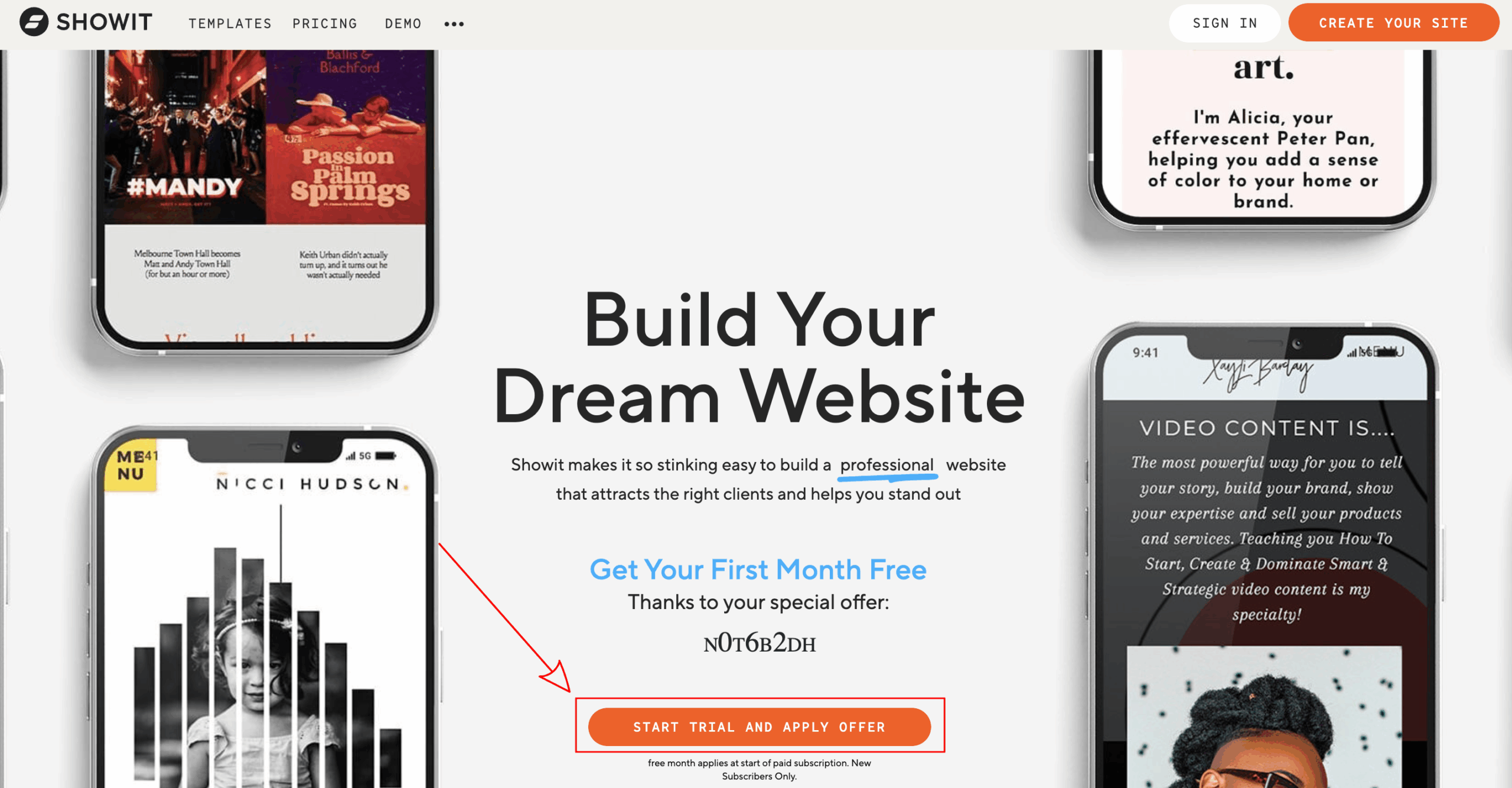
1. Go to showit.com using my referral link to get 30 days free. This gives you two extra weeks compared to signing up directly on their website.
2. Click on “Start Trial and Apply Offer.”

3. Fill out the form with your information and click “Submit.”
4. Sign in using the login details you just created.
5. You are now ready to start designing your website. If you have not already, take a look at my Showit Templates Shop to launch your site quickly and easily.
And that’s it! You have now created your Showit account and activated your free 30-day trial. From here, you can start exploring the platform, experiment with layouts, and begin customizing your design.
If you want to save time, check out my Showit templates made for travel creators and small business owners. They are easy to customize and help you get your website launched faster.